Job Application Checklist: What to Check Before You Apply
A practical, step-by-step checklist to help you submit stronger job applications in South Africa—without rushing, missing documents, or sending the wrong version of your CV.
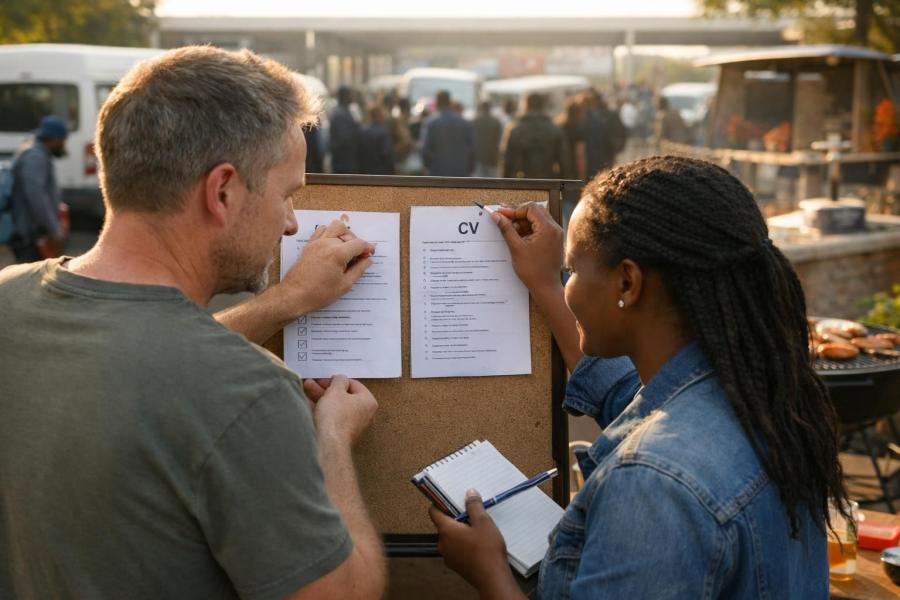
A job application checklist helps you catch small mistakes before a recruiter does. Use the 15-minute checklist below every time you apply, so each application goes out complete, clear and matched to the job.
Quick answer: Before you click "submit":
- Read the job ad again and check the role, location and closing date.
- Make sure your CV headline, summary and skills match the ad, and your contact details are correct.
- Attach only the documents the advert asks for, saved as clearly named PDFs.
- Open every uploaded file to confirm it is the right one and it displays properly.
Why a job application checklist matters (especially in South Africa)
Most job applications don't fail because the candidate is "not good enough". They fail because the application is incomplete, unclear or rushed.
Common examples:
- You sent the wrong CV version.
- A required document is missing.
- Your summary is weak or doesn't match the job.
- Your online profile says something different from your CV.
Recruiters often receive many applications for one post. When they are short on time, an incomplete application is an easy one to set aside.
A simple checklist helps you send strong applications every time, even when you're applying for several jobs a week.
The 15-minute job application checklist (use this every time)
Work through these steps in order. If you're short on time, do the first 6 at least.
1) Confirm the basics: role, location and closing date
- Read the job title and duties again. Make sure you're applying for the right role. It sounds obvious, but it happens, especially when one company advertises several posts.
- Check where the work is. Is it remote (from home), hybrid (some days at the office) or on-site? Can you realistically get there every day, and can you afford the transport?
- Note the closing date. If it says "open until filled", the employer may stop reading applications at any time. Apply early if you can.
- Check the "must-haves". Look for words like "essential", "minimum" or "required" (for example matric, a driver's licence or a specific qualification). These are what HR checks first.
2) Match your CV headline and summary to the job
Before you upload anything, open your CV and look at the top section. In about 10 seconds, a recruiter should see what role you want and what you offer.
- Use a clear title that matches the job, e.g. Junior Admin Assistant, Graduate IT Support or Entry-Level Bookkeeper.
- Use the ad's keywords in your summary. Keywords are the important words in the advert: software names, the industry and the main tasks. Some companies use software that scans CVs for these words. See how to match CV keywords to a job ad.
Here is what a matched top section can look like for an admin job:
[Your Full Name]
[Town, City]
[Cell number] · [email@example.com]
Junior Admin Assistant
Organised and reliable matric graduate with internship experience in data capture, filing and front-desk support. Confident using MS Excel, Word and email. Looking for an entry-level admin role where accuracy and good customer service matter.
Need help with this part? Read how to write a personal profile on a CV.
If your CV is hard to scan, fix the structure first. This guide can help: How to Make Your CV Easier to Read (So Recruiters Don't Miss What Matters).
3) Use the right CV file name (and format)
- Name your file clearly: Firstname_Surname_CV.pdf, or include the role: Firstname_Surname_Admin_Assistant_CV.pdf.
- Use PDF unless the ad asks for Word. A PDF keeps your layout the same on any phone or computer.
- Open the PDF and scroll through it to check nothing moved, got cut off or broke.
Weak file name: CV final new (2).docx
Strong file name: Thandi_Mokoena_CV.pdf
A recruiter downloading 50 files called "CV" can easily lose yours. Your name in the file name makes it easy to find again.
4) Check your contact details (every single time)
- Cell number: correct digits, written clearly (e.g. 072 123 4567 or +27 72 123 4567).
- Email: professional and spelled correctly. thandi.mokoena@... works; sexybaby99@... does not.
- Location: your town or city is enough. You don't need your full street address.
If one digit in your number is wrong, the recruiter can't call you, and they usually won't search for another way to reach you.
If you're using CV Hub, keep your profile updated so your applications stay consistent. Take two minutes to update your CV profile.
5) Confirm your dates and employment history make sense
- Use the same date format throughout, e.g. Mar 2023 – Feb 2025. Don't mix "03/2023" with "March 2023".
- Explain gaps briefly, e.g. 2024: studying, caregiving, job searching. No long story needed. See how to explain a gap in your CV.
- Only use job titles you can talk about confidently in an interview. If you were a "general assistant", don't call yourself a "manager".
Recruiters look at dates to see if your story makes sense. Overlapping or unclear dates make them wonder what you're hiding, even when there's a simple explanation.
6) Add 2–4 proof points that show you can do the work
Many entry-level CVs only list duties. A proof point goes further: it shows a result, a number or something you actually produced. You can use volunteer work, school or campus projects, and part-time jobs.
- Admin: "Captured 80+ invoices weekly with high accuracy"
- Retail: "Handled cash-ups and balanced till daily"
- Call centre: "Resolved customer queries using CRM notes and escalation process"
- Graduate/project: "Built a basic Excel dashboard to track monthly spend"
Weak: "Responsible for filing."
Strong: "Filed and organised client records for a 6-person office, so documents could be found quickly."
No work experience yet? Use what you have: a matric project, helping at church or a community event, running a small side business, or caring for family. See how to write a CV with no experience for more ideas.
7) Don't forget supporting documents (common SA requirements)
Always follow the advert. Typical requirements may include:
- Certified ID copy (if requested)
- Certified qualification certificates (if requested)
- Academic record/transcript (common for graduate programmes)
- Driver's licence (if the role requires travel)
A "certified copy" is a photocopy that has been stamped and signed to confirm it matches the original. Read how to get certified copies for a job application before you go.
Applying for a government post? Check the advert for any official application form it asks for. Our Z83 form guide explains how to fill one in.
Tip: If you're uploading several documents, only combine them into one PDF if the system allows it and the employer hasn't asked for separate uploads. Keep a folder on your phone or computer with scanned copies ready, so you're not rushing to the shops on closing day.
8) Write a short, specific cover message (even if it's optional)
If the online form has a text box for a message, use it. Many people leave it empty, so a good message helps you stand out. Keep it to 4–6 lines and include:
- The role you're applying for
- One relevant strength that matches the ad
- One proof point (a tool, task, result or project)
- Your availability and location
Here is an example you can copy and change:
I'm applying for the Junior Administrator role.
I have strong Excel and document control skills from my internship, and I'm confident handling filing, data capture and front-desk support.
I'm based in Polokwane and available to start within two weeks.
Kind regards,
[Your Name]
[Cell number]
If the job asks for a full cover letter instead, use our cover letter template.
9) Remove anything that could cost you the interview
- Typos in the company name or job title
- An unprofessional email address
- Fonts that are hard to read, or long, dense paragraphs
- References with incorrect numbers (or "References available" with no plan to provide them)
Phone your references before you apply. Check their numbers still work and ask if they're happy to be contacted. See how to list references on a CV.
Avoid this: Reusing a cover message or letter and forgetting to change the company name. Sending "I'd love to work at Shoprite" to Pick n Pay tells the recruiter you didn't read your own application. Search your message for the old company name before every submit.
For more errors to watch out for, read common CV mistakes.
10) Make sure your online profile matches your CV
If you're applying through CV Hub, a recruiter may view your profile after receiving your CV. Keep your profile in line with what you've submitted:
- Same job titles and dates
- Same skills and tools
- Up-to-date contact details
If your CV says you worked somewhere until 2025 but your profile says 2023, the recruiter has to guess which is true. Don't make them guess.
You can also choose a CV design that stays neat and easy to read on phones and computers.
11) Prepare for the next step: what will you say if they call?
Before you click submit, write down (or save in your phone):
- Your 20-second "tell me about yourself"
- When you're available for interviews
- How you'll get to the work location
This stops you sounding caught off guard when a recruiter phones during the day. Here is an example of a short answer:
"I finished matric in [Year] and completed a [6-month] admin internship at [Company], where I did data capture, filing and answered the phones.
I'm good with Excel and I like work where accuracy matters.
I live in [Town], so I can easily get to your office, and I'm available for an interview any day this week."
When you do get the call, our interview preparation checklist will help you get ready.
12) Do a final "attach and verify" check
- Did the correct file upload (not an old version)?
- Can you open it from the portal preview (if there is one)?
- Did you attach all the documents the advert asked for?
Uploading from your phone? Our guide on how to upload your CV online walks you through it. If you're applying by email, see how to email a CV.
A simple routine to stay consistent across many applications
If you're applying often, doing it the same way every time beats rushing many at once. Set up:
- A main CV plus 1–2 versions for different job types (e.g. Admin, Sales, Retail). See how to tailor your CV to a job description.
- A folder with your supporting documents ready (ID, matric certificate, other qualifications), scanned as PDFs.
- A short cover message template you can change for each job.
- A simple list of where you've applied, with the job title, company and date. This helps when a recruiter calls and you need to remember which job it was.
Haven't heard back after a week or two? Read how to follow up on a job application.
If you want one place to manage your details, create a free CV on CV Hub, or log in to CV Hub to update what you already have.
Quick job application checklist (copy/paste)
Copy this into your phone's notes and tick it off before every application.
- Read the job ad again (requirements + closing date)
- CV headline and summary match the role
- Correct CV file name, exported to PDF
- Contact details correct and professional
- Dates and job titles consistent
- 2–4 proof points added (results/outputs)
- Supporting documents attached (only what's requested)
- Short cover message completed
- Final typo scan (company name, role title)
- Uploaded files verified before submit
If you get stuck
If something on the platform is unclear, such as uploads, profile fields or how CVs are displayed, read the CV Hub FAQ or contact CV Hub for help.
You can also browse the CV database to see what a complete, well-structured profile looks like.